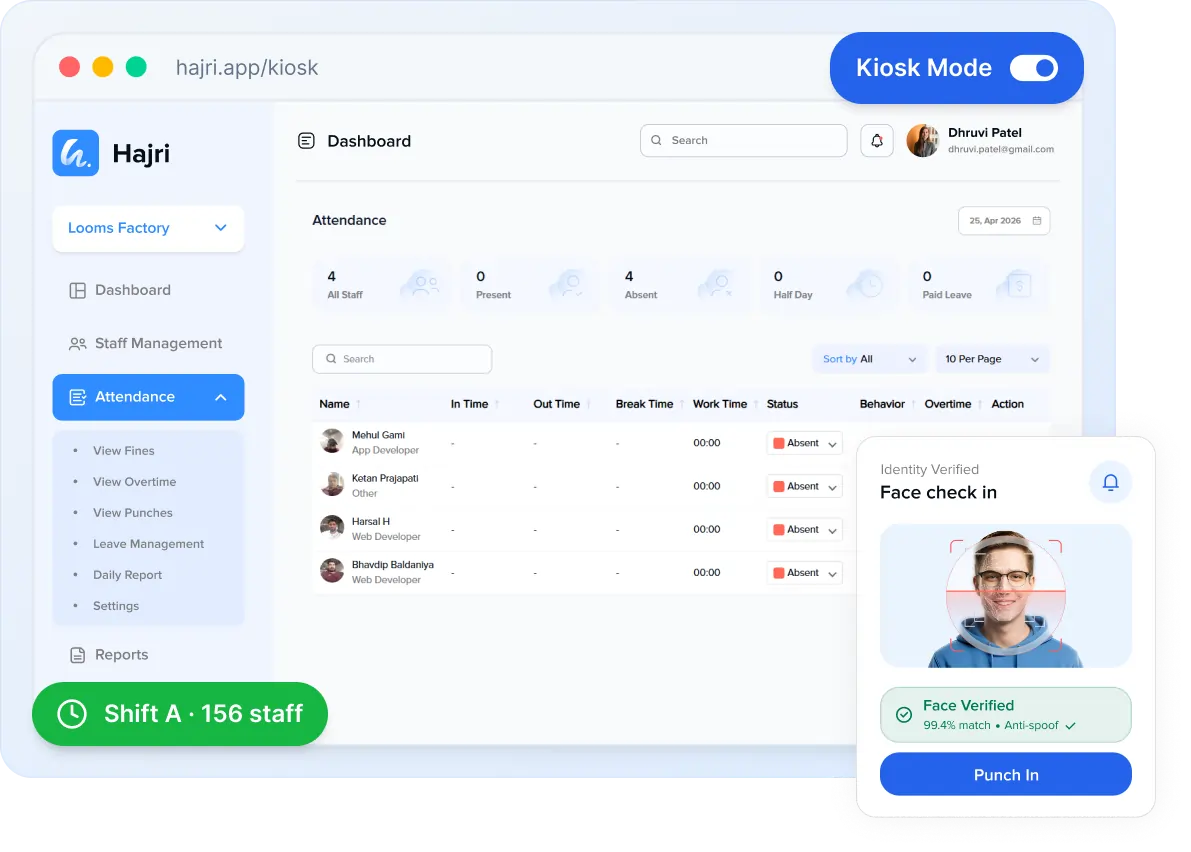
Kiosk Mode

Shared Kiosk Mode for contactless check-in

Turn any tablet or spare phone into a contactless attendance kiosk. Perfect for factories, warehouses and large offices where teams share a single device at the gate.

Why teams choose this

Built to solve real problems

Designed around the everyday friction your business actually faces — not flashy features you’ll never use.

One device, whole team

Hundreds of employees can check in from a single tablet at the gate — no per-person setup.

Sub-second recognition

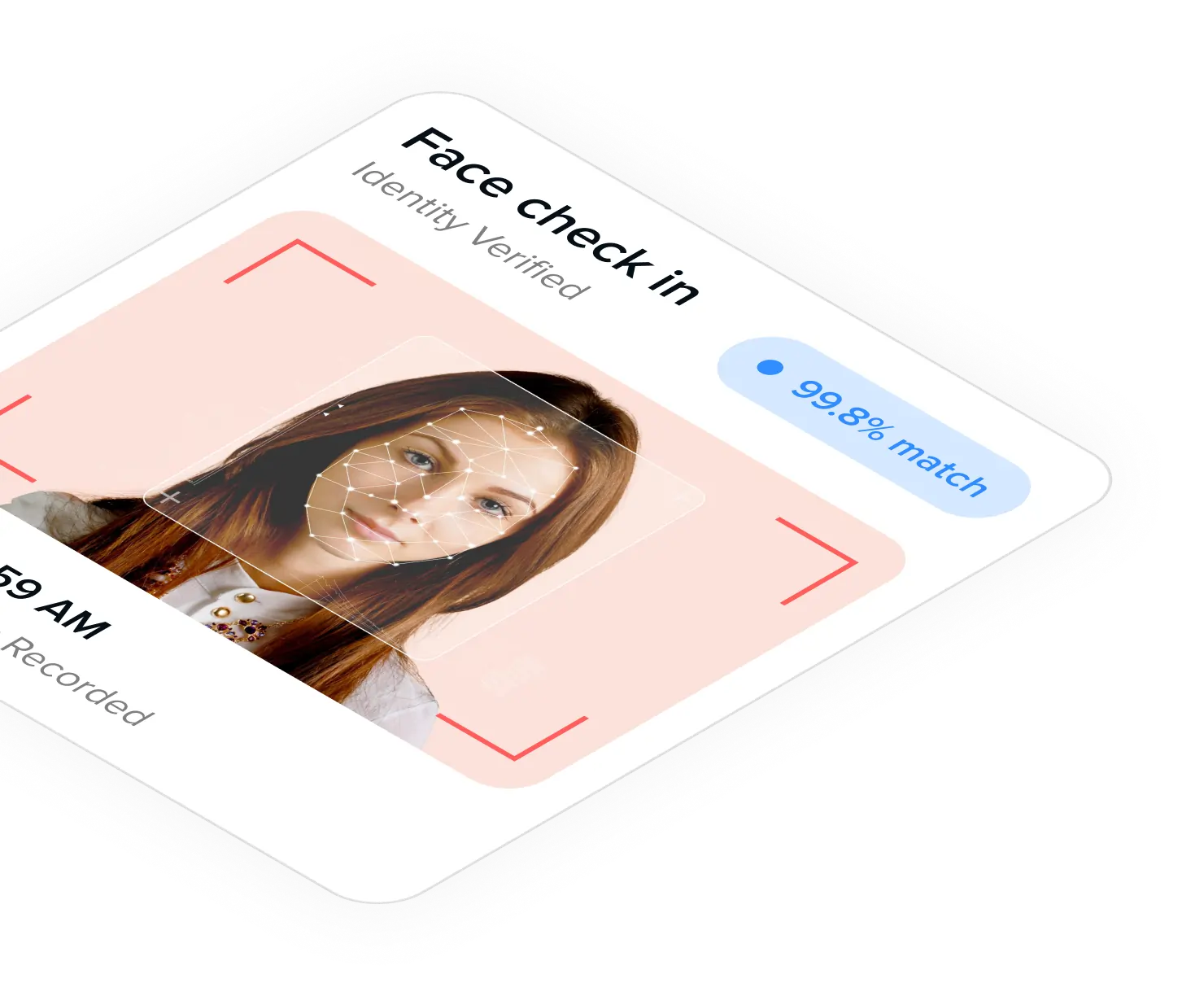
Faces are matched instantly. Queues move faster than with fingerprint scanners.

Anti-spoof protection

Liveness detection blocks photos and videos so no one can punch for a colleague.

Any device works

Use an old Android tablet, iPad or spare phone. No proprietary hardware to buy.

Lock-down mode

Kiosk app stays in the foreground — employees can't access anything else.

Always-on display

Wake-on-approach and bright high-contrast UI for entry doorways and shop floors.

How it works

Live in minutes, not weeks

Three simple steps. No special hardware. No IT team required.

Step 1

Mount a tablet

Install the Hajri app on any Android/iOS tablet and place it at your entry point.

Step 2

Switch to Kiosk Mode

Enable kiosk mode from settings. The device is now locked to the attendance screen.

Step 3

Employees check in

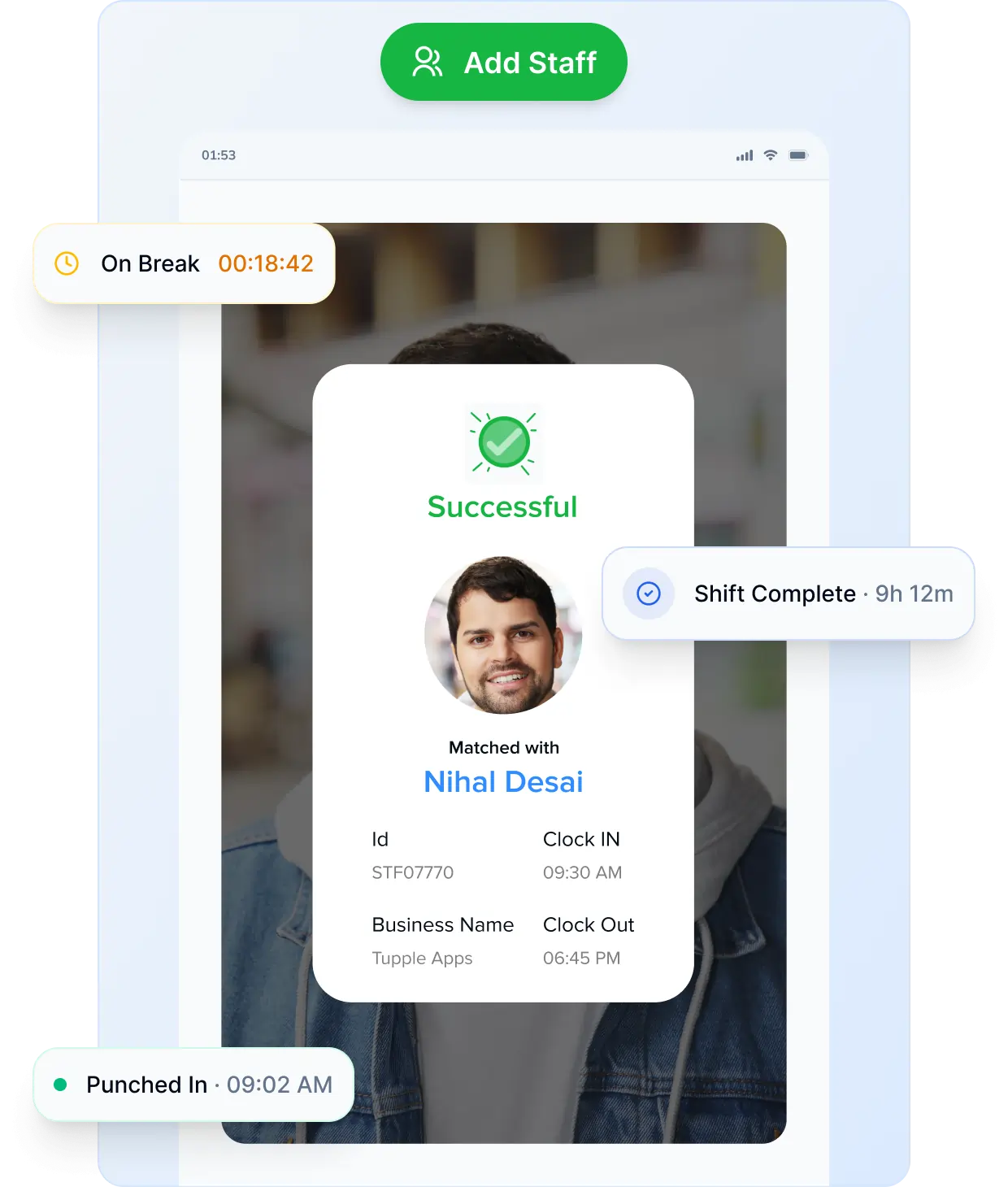
Employees look at the camera — face is matched, attendance is recorded.

Industries & use cases

Perfect for teams like yours

See how different industries put this feature to work every day.

Case 01

Factories & manufacturing

Hundreds of shop-floor workers clock in from one rugged tablet at the gate — no fingerprint queues, no hardware to maintain.

Shift-based

High volume

Case 02

Warehouses & logistics

Mount a kiosk near loading bays so drivers and pickers check in instantly between deliveries.

Multi-shift

Outdoor

Case 03

Large offices & coworking

Replace bulky biometric devices at reception with a sleek tablet that recognises every employee in milliseconds.

Front desk

Case 04

Hospitals & clinics

Contactless face check-in keeps staff hygienic — perfect for nurses and doctors moving fast between wards.

Contactless

24/7

Case 05

Restaurants & hospitality

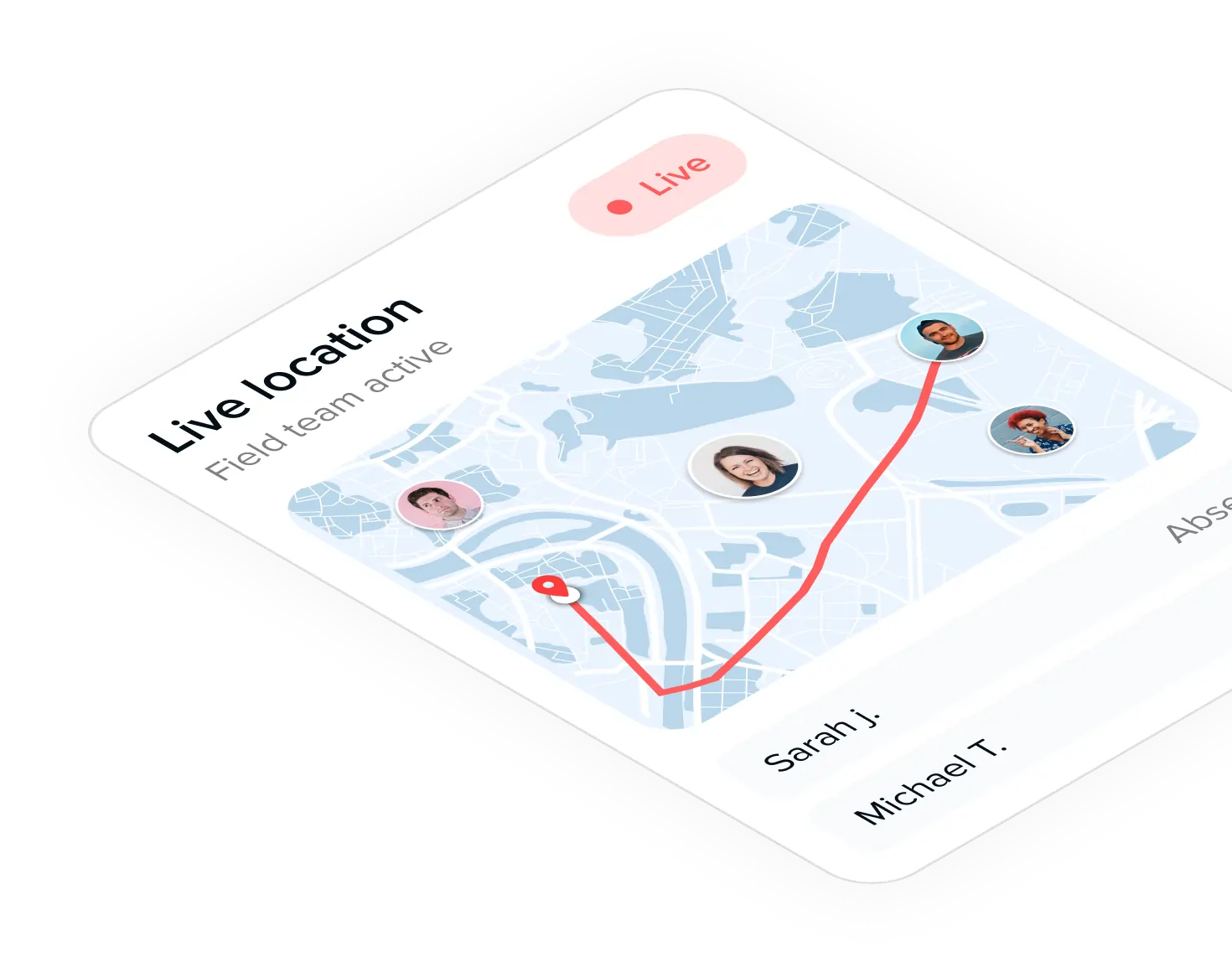
Kitchen and floor staff share one tablet at the back-of-house — managers see exactly who’s on shift in real time.

Hourly staff

Case 06

Schools & institutes

Teachers and admin staff check in on a single lobby tablet, replacing paper registers and old punch machines.

Education

FAQ's

Frequently asked questions

Do I need to buy a special tablet?
No. Any Android tablet or iPad with a front camera works. Even old devices are fine.
Unlimited. The kiosk recognises every enrolled employee in your organisation.
No. Built-in liveness detection rejects photos, videos and 3D masks.
Check-ins are stored locally and sync automatically when the connection returns.

4.6 Excellent ★★★★★

“Lorem Ipsum is simply dummy text of the printing and typesetting industry. Lorem Ipsum has been the industry’s standard.”

4.6 Excellent ★★★★★

“Lorem Ipsum is simply dummy text of the printing and typesetting industry. Lorem Ipsum has been the industry’s standard.”

4.6 Excellent ★★★★★

“Lorem Ipsum is simply dummy text of the printing and typesetting industry. Lorem Ipsum has been the industry’s standard.”

4.6 Excellent ★★★★★

“Lorem Ipsum is simply dummy text of the printing and typesetting industry. Lorem Ipsum has been the industry’s standard.”

4.6 Excellent ★★★★★

“Lorem Ipsum is simply dummy text of the printing and typesetting industry. Lorem Ipsum has been the industry’s standard.”

4.6 Excellent ★★★★★

“Lorem Ipsum is simply dummy text of the printing and typesetting industry. Lorem Ipsum has been the industry’s standard.”

4.6 Excellent ★★★★★

“Lorem Ipsum is simply dummy text of the printing and typesetting industry. Lorem Ipsum has been the industry’s standard.”
Get a demo – live or on demand

Ready to Upgrade Your Workforce Management?

Join hundreds of smart businesses saving time, money, and headaches every month.